
Open your watch’s health app, enable heart rate and SpO2, wear snug, check trends daily.
You can learn a lot from your wrist. In this guide, I show How To Track Heart Rate And Blood Oxygen With A Smart Watch with clear steps, real tests, and simple tips. I have tested many models in daily life and tough workouts. You will learn what works, what does not, and how to trust your data.
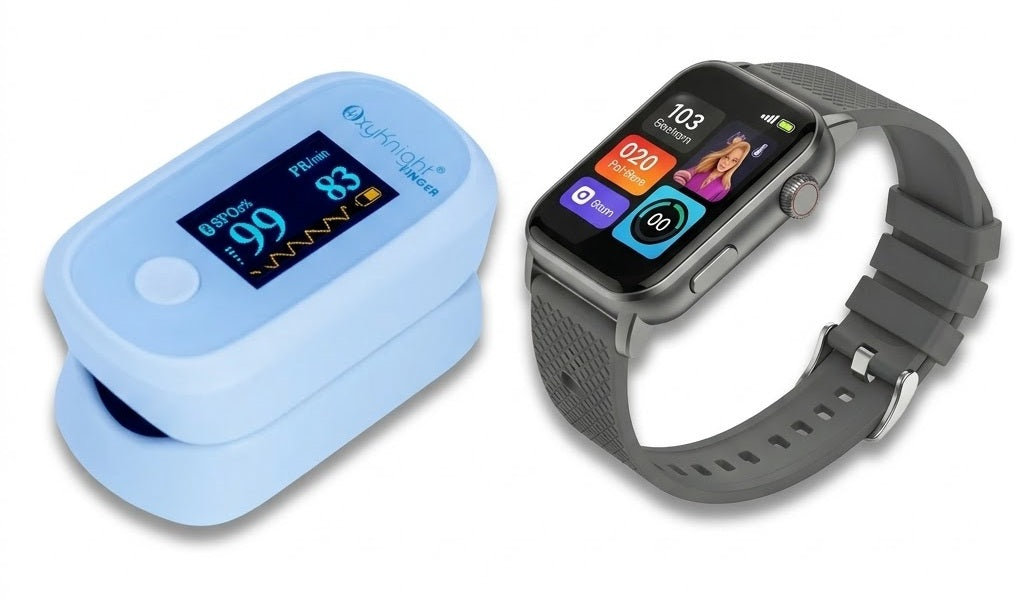
How smartwatches measure heart rate and blood oxygen
Your watch uses light to read blood flow. This is called photoplethysmography, or PPG. Green LEDs read heart rate by tracking each pulse. Red and infrared LEDs read blood oxygen, or SpO2, by seeing how light passes through blood.
Heart rate shows beats per minute. It can show resting heart rate, active heart rate, and max heart rate. Blood oxygen is a percent. Most healthy people read 95% to 100% at sea level.
These tools are not a medical diagnosis. They are guides for daily health. Clinical studies show wrist PPG is quite good at rest. It is less exact with fast arm moves or loose bands. That is why fit, placement, and routine matter for How To Track Heart Rate And Blood Oxygen With A Smart Watch.

Set up your watch for accurate data
Start with a clean slate. A few small steps boost your results.
- Update your watch and phone. New firmware often improves sensors and sync.
- Add your profile data. Set age, sex, height, weight, and skin tone if offered.
- Pick the wrist in settings. Left or right wrist changes how the watch reads motion.
- Enable permissions. Turn on heart rate, SpO2, and motion in your health app.
- Choose measurement mode. Use all-day heart rate. Enable sleep SpO2 if supported.
I do this on every new device. It takes five minutes and improves How To Track Heart Rate And Blood Oxygen With A Smart Watch from day one.
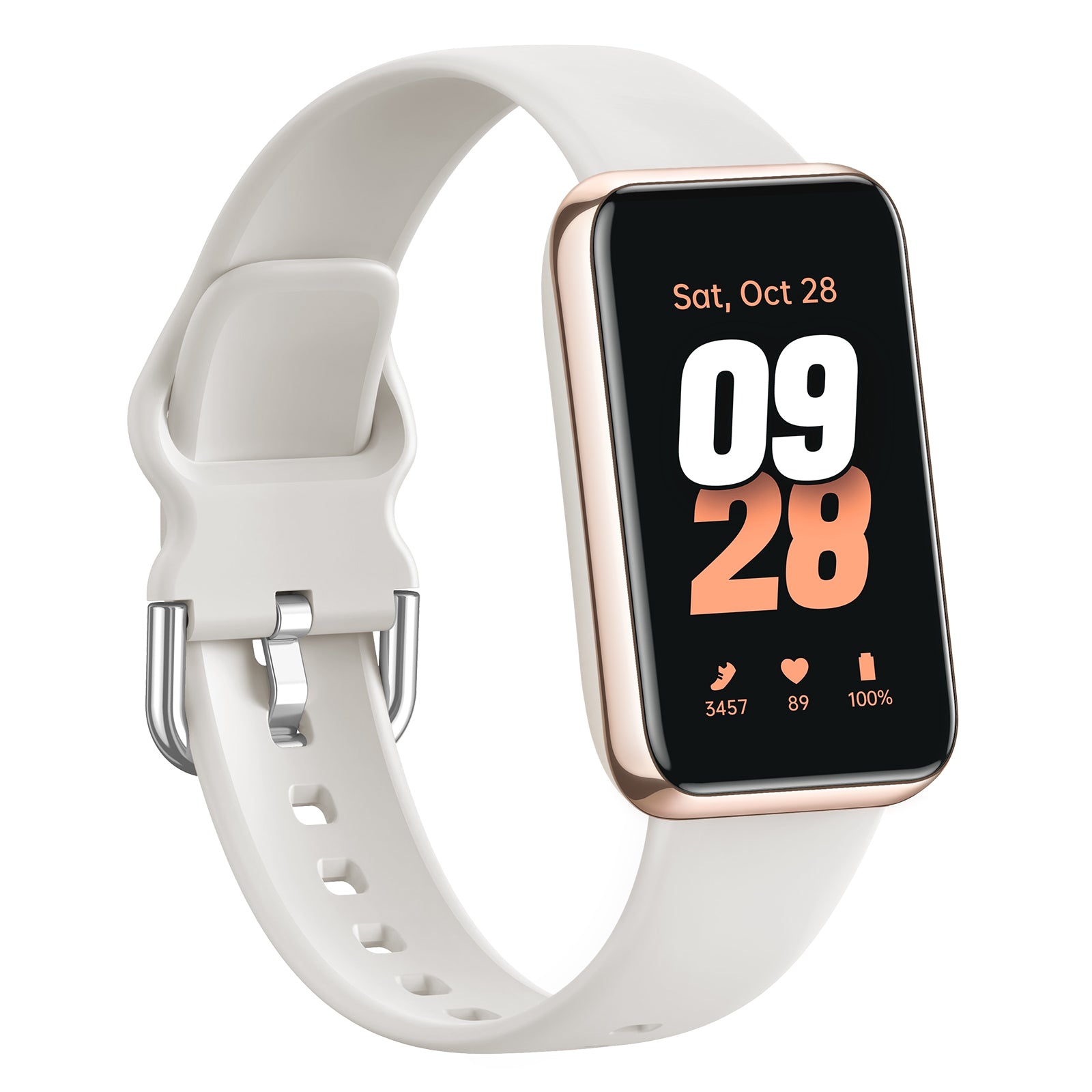
How to track heart rate step by step
Use these easy steps to get steady heart rate data.
- Wear it one finger above the wrist bone. The band should be snug but comfy.
- Sit still for a minute for a resting read. Breathe slow. Check the number and trend.
- For workouts, start the activity on the watch. This locks higher sample rates.
- Warm up. Most watches stabilize after 1 to 3 minutes as the sensor locks on.
- Check your zones. Many apps show fat burn, cardio, and peak zones live.
- Set alerts. Enable high and low heart rate alerts for safety.
My tip: do a quick reality check. Count your pulse on your neck for 15 seconds. Multiply by four. It should be close to the watch. This simple test builds trust in How To Track Heart Rate And Blood Oxygen With A Smart Watch.

How to measure blood oxygen (SpO2) step by step
SpO2 can be a spot check or a night trend. Here is how to do both.
- Sit still and rest your arm on a table. Keep the watch face up.
- Open the SpO2 app. Follow on-screen cues. Do not talk or move for 30 seconds.
- For sleep SpO2, enable night tracking in settings. Wear the watch snug to bed.
- Read the result and the quality flag. Many apps show if the scan was good.
Expect small changes with altitude, colds, or dry air. If a read looks odd, take two more back to back. Discard outliers. This habit keeps How To Track Heart Rate And Blood Oxygen With A Smart Watch useful in daily life.

Interpreting your numbers and trends
Numbers mean more in context. Trends tell the story.
- Resting heart rate. Lower over weeks can mean better fitness. A spike can hint at stress or illness.
- Exercise heart rate. Hitting target zones helps train the right system. Peaks show effort. Drops show recovery.
- Heart rate variability (HRV). Higher HRV often means better recovery and lower stress. Read it at the same time each day.
- SpO2. 95% to 100% is common at sea level. Short dips in sleep can happen. Repeated dips may need a talk with a doctor.
Look at weekly and monthly charts. Do not chase a single bad read. In my races, I focus on zone time and recovery the next day. That is the heart of How To Track Heart Rate And Blood Oxygen With A Smart Watch.

Accuracy tips and common mistakes to avoid
Small tweaks make big gains.
- Fit and placement. The watch should not slide. Move it slightly higher for runs.
- Skin contact. Clean the back of the watch and your skin. Sweat can cause gaps.
- Motion control. Swing less during spot checks. Hold the watch hand on your hip.
- Temperature. Cold hands mean poor blood flow. Warm up before checks.
- Tattoos and dark ink. Move the watch off the ink for better light reads.
- Battery. Low power can reduce sample rates. Keep it charged before long workouts.
I learned this the hard way on a cold dawn run. My wrist was numb and my data was a mess. A five-minute warm up fixed it. These tips help you master How To Track Heart Rate And Blood Oxygen With A Smart Watch.
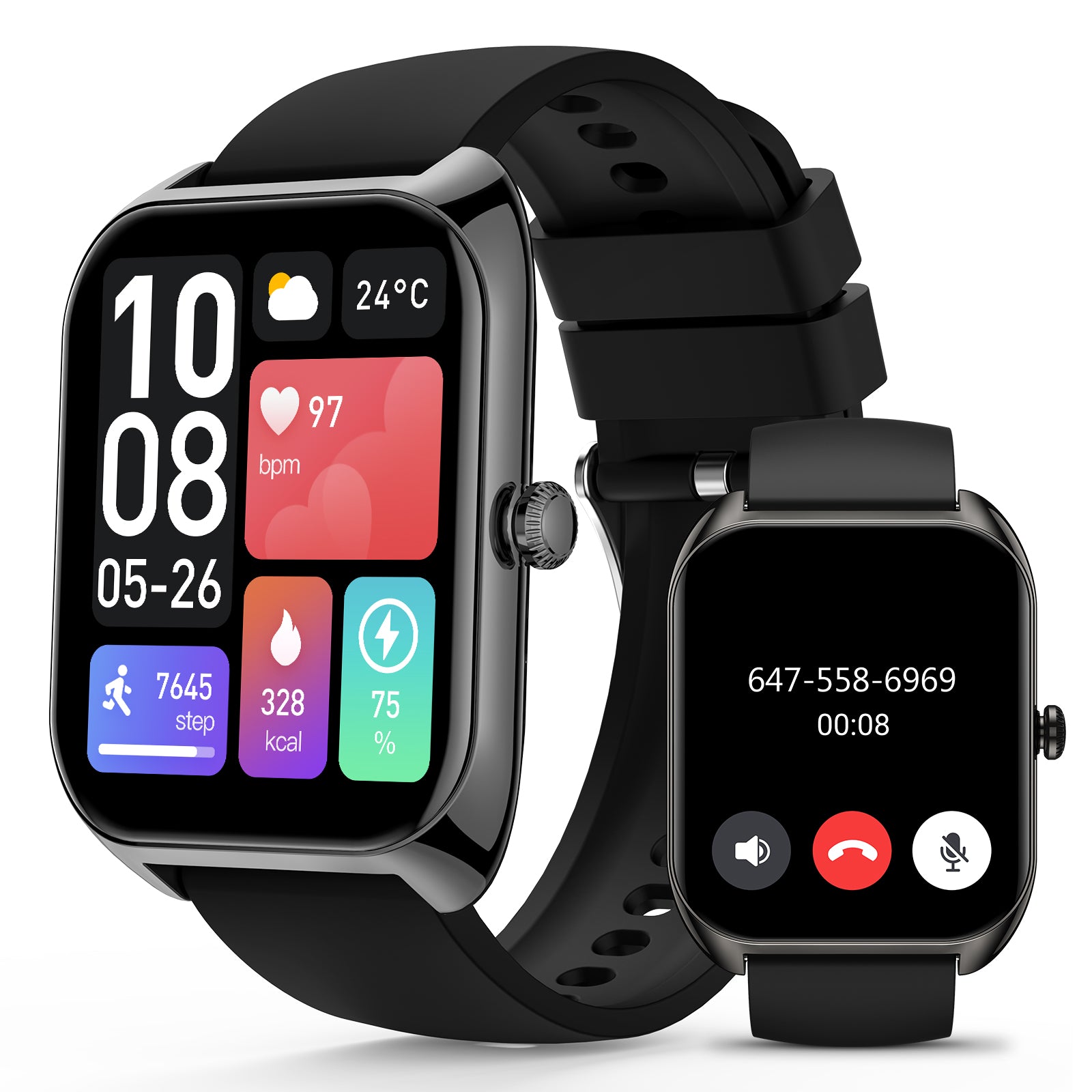
Real-world use cases that matter
Here is where the data shines.
- Training. Use zones to pace long runs and intervals. Watch recovery to plan rest days.
- Sleep. Track overnight heart rate and SpO2. Note changes after late meals or drinks.
- Altitude trips. SpO2 will drop at high peaks. Use it to guide pace and rest.
- Illness checks. A sudden rise in resting heart rate or a drop in SpO2 can be an early flag.
- Mindful breaks. Set stress and heart rate alerts. Take two-minute breath breaks when needed.
I rely on alerts during long flights. A quick walk and water bring my heart rate back down. Simple steps like this bring How To Track Heart Rate And Blood Oxygen With A Smart Watch into daily care.
Safety note: Smartwatch data can guide you, but it does not replace medical care. Seek help if you feel unwell.

Privacy and data control
Your health data is private. Treat it with care.
- Review app privacy. Opt out of data sharing you do not need.
- Enable two-factor login on your account.
- Back up or export data if you switch devices.
- Share only the metrics you want with third-party apps.
- Lock your watch with a PIN.
I keep my core data in one app and share only workout summaries. That keeps How To Track Heart Rate And Blood Oxygen With A Smart Watch helpful and safe.

Troubleshooting bad readings
Bad reads happen. Fix them fast.
- If heart rate is stuck or jumps, pause the workout for 20 seconds. Adjust the band and resume.
- If SpO2 fails, warm your hands and try again with your arm rested.
- Reboot the watch after updates if sensors act odd.
- Clean the lens with a soft cloth. Sweat film blocks light.
- As a last step, unpair and pair again to reset permissions.
If nothing works, test on the other wrist. Some wrists read better. This simple swap has saved many of my sessions and keeps How To Track Heart Rate And Blood Oxygen With A Smart Watch on track.
Frequently Asked Questions of How To Track Heart Rate And Blood Oxygen With A Smart Watch
How accurate are smartwatch heart rate sensors?
They are quite accurate at rest and steady runs. High-intensity moves and loose bands can cause errors, so focus on trends.
Can my watch detect low blood oxygen while I sleep?
Yes, many models log night SpO2 trends. Use the same sleep schedule and snug fit to improve results.
Do I need a chest strap for workouts?
For sprints or strength sets, a chest strap can be more exact. For steady runs and rides, wrist data is often good enough.
What is a normal resting heart rate?
Many adults see 50 to 90 bpm. Track your own baseline over two weeks and watch for big changes.
When should I worry about a low SpO2 reading?
If you see repeated reads under 92% with symptoms, contact a clinician. One odd scan may be a bad read, so repeat it.
Will tattoos or dark skin affect readings?
They can. Move the watch to a spot with less ink, wear it snug, and warm the skin for better light signals.
How often should I check my heart rate and SpO2?
Check heart rate all day and during workouts. Use SpO2 for spot checks or night trends, not every hour.
Conclusion
With a few smart habits, your wrist can be a steady health guide. Set up your device well, wear it right, and focus on trends over single points. Use the numbers to train wiser, sleep better, and spot changes early.
Start today. Enable the right settings, do one calm SpO2 scan, and set heart rate alerts. If you found this helpful, subscribe for more guides or share your own tips in the comments.